
DejaViewer
The iPhone companion for DejaView
Your streams, in your pocket
Everything DejaView serves to your wall displays — Apple Photos albums, folder streams, On This Day — in a live feed on your iPhone or iPad. Tap any stream for a full-screen view. Same photos, same local network, no extra setup.
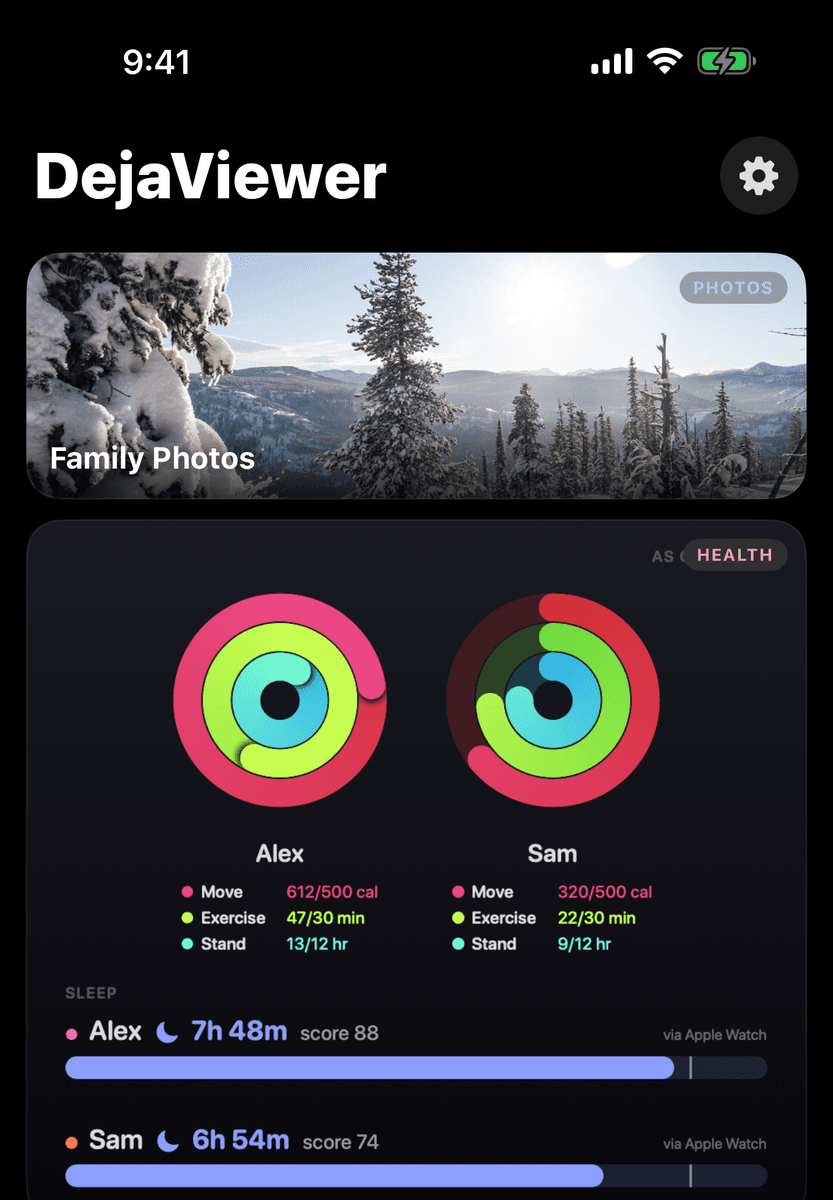
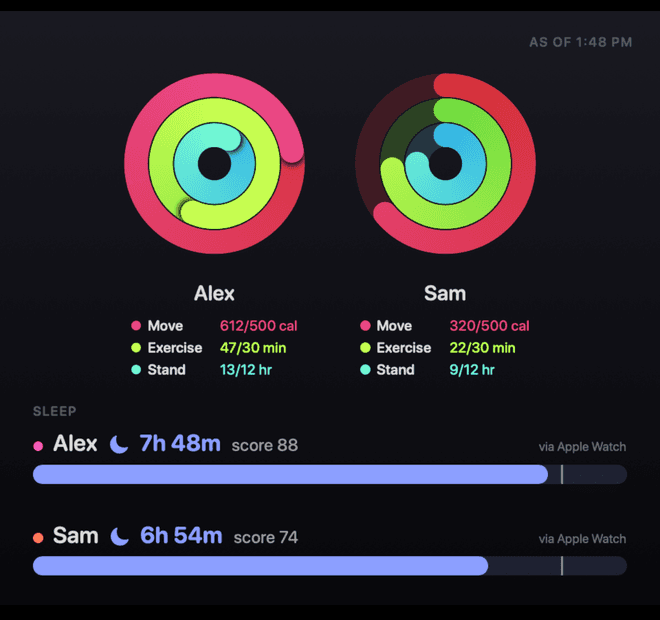
Put your activity rings on the family wall
Flip one switch and DejaViewer sends your Apple Watch activity rings — and optionally sleep and vitals — to DejaView on your Mac, where they appear on family health cards and daily ring challenges on your DAKboard or wall display. Each family member shares from their own phone; the Mac assembles the family view. On first enable, DejaViewer can bring in your full Apple Health history, so trends and long-term cards start with real data.
Health data travels one hop: your iPhone to your Mac, over your own Wi-Fi. It is never uploaded, never synced to iCloud, never seen by us.
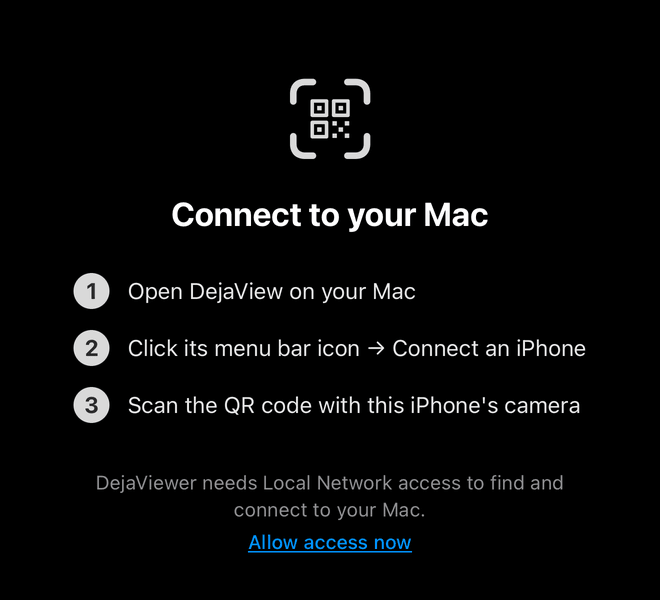
Pairing is a camera point
DejaView shows a QR code; you scan it with your iPhone's camera; DejaViewer opens and pairs. With App Clip support, pairing works the moment you scan — before the app is even installed. Only paired phones can send health data to your Mac — and you can revoke any phone from the Mac's settings at any time.
Free, like every DejaView companion
DejaViewer is free. It connects to the DejaView Mac app, which does the serving — your Mac is the only server in the picture.