Private digital photo frame
A digital photo frame that stays private.
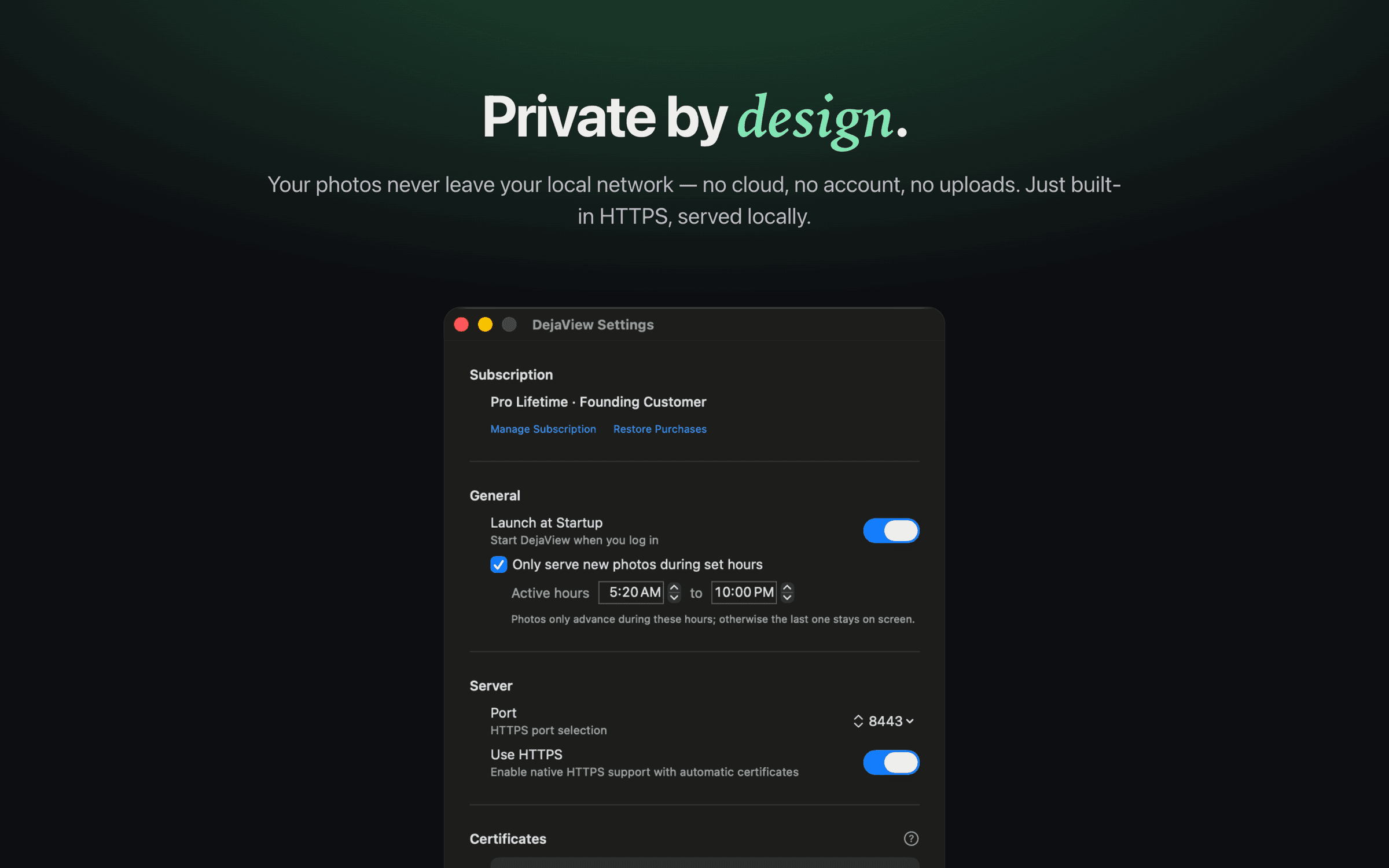
Most digital photo frames make you upload your memories to their cloud, create an account, pay a subscription, and buy their hardware. DejaView flips that: point it at any screen you already own and your photos stay on your Mac, served privately over your local network.
The cloud frame trade-off
Most photo frames ask you to send your memories to someone else's servers.
Cloud photo frames like Aura, Skylight, Nixplay, and Frameo are well-made products — but the model is the same: you upload your photos to the vendor's service, create an account, and often pay a subscription, all to view them on a proprietary frame you also had to buy.
That means your private family moments end up living on a company's servers, behind a login, dependent on a service that could change its terms, raise its price, or shut down. It works — but it asks a lot for the simple goal of showing your own photos in your own home.
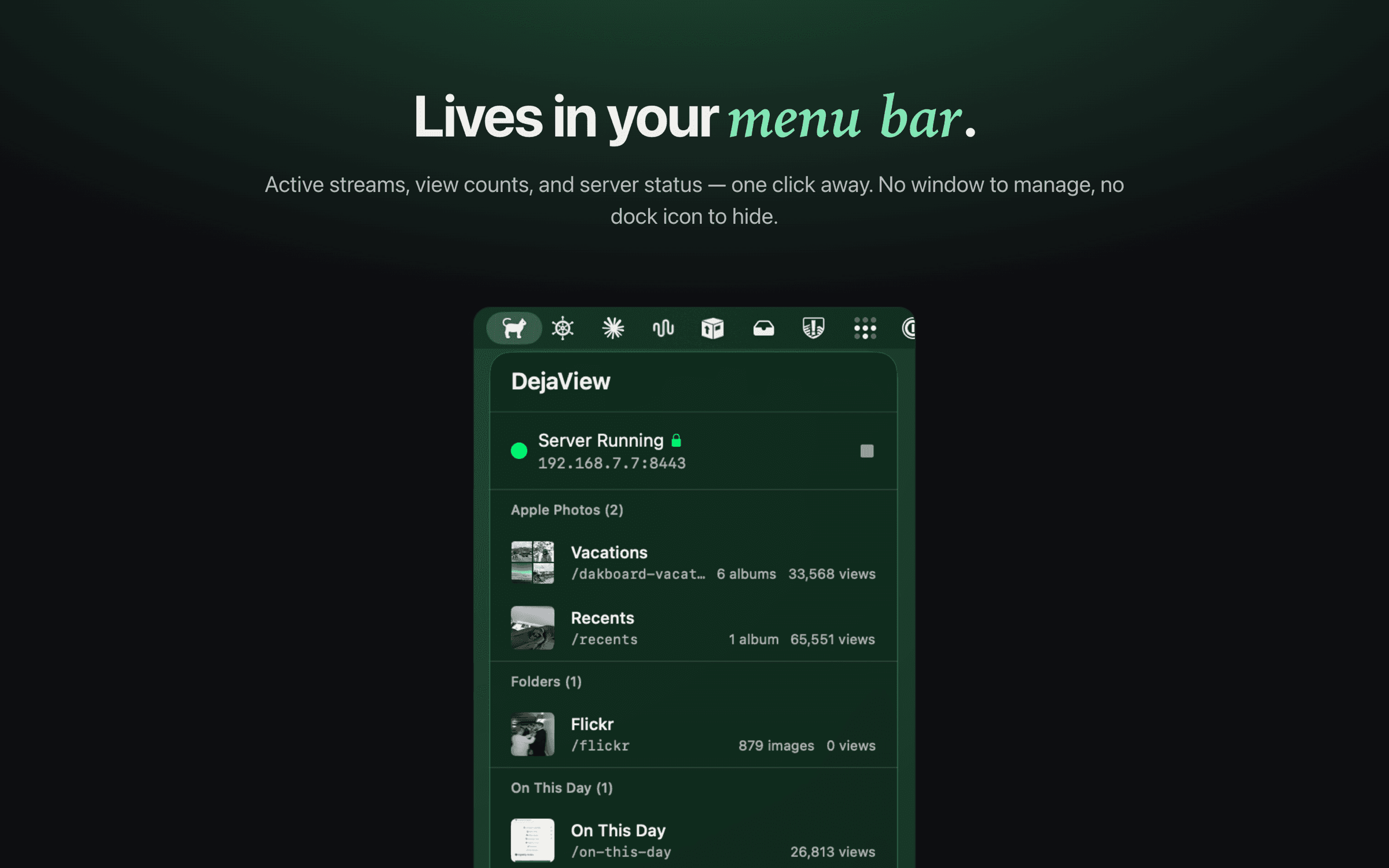
DejaView takes a different, local approach. It runs quietly in your Mac's menu bar and serves your chosen albums or folders directly to a display over your local network — read-only, no uploads, no account, no subscription.
How it works
Turn any screen into a private frame.
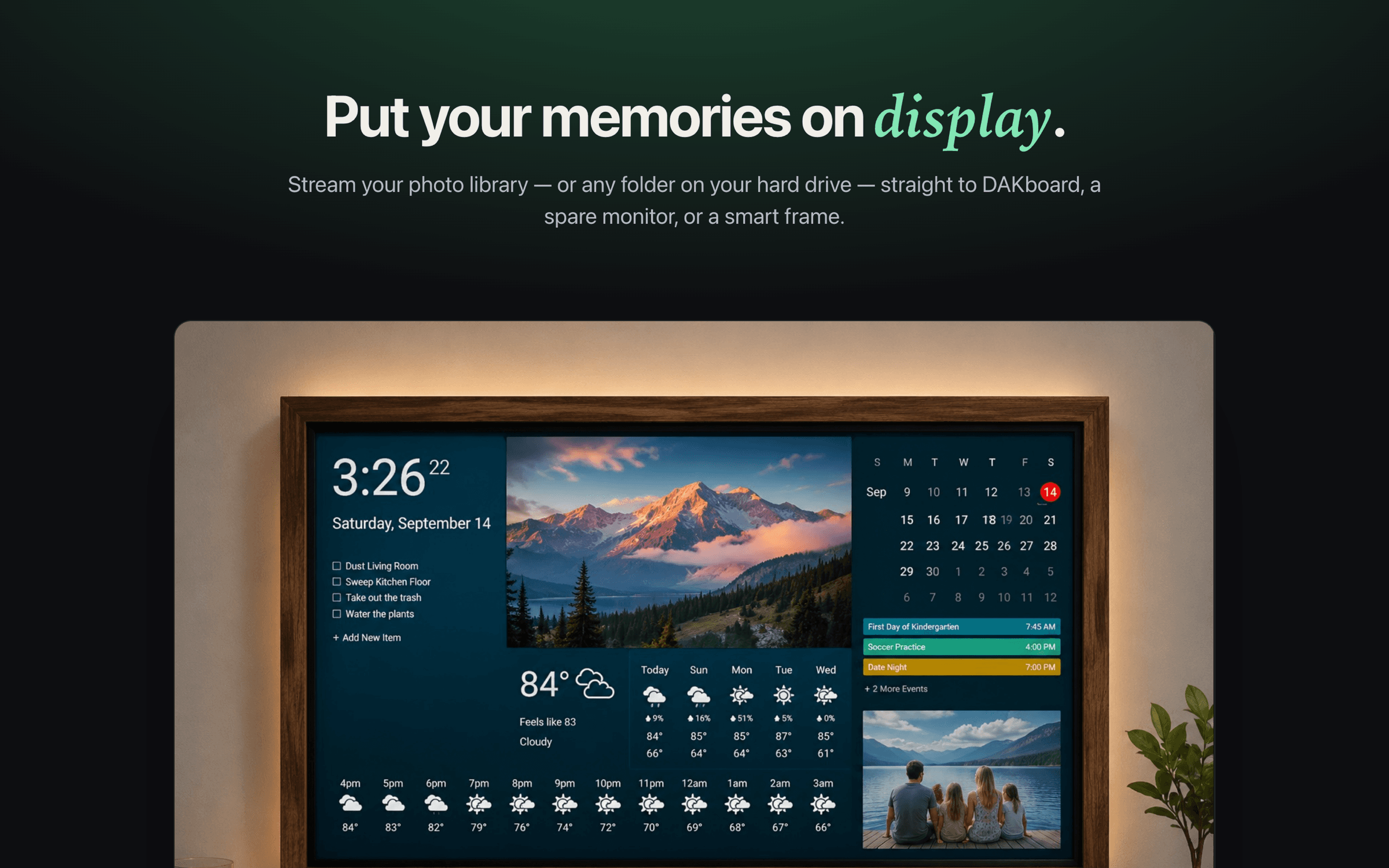
DejaView is a free macOS menu-bar app. Pick the Apple Photos albums — regular, smart, or shared — or any folder on your Mac, and it streams them to a local-network URL. Point a spare monitor, tablet, TV, or DAKboard at that URL and you have a private digital photo frame, no cloud in between.
Side by side
Cloud photo frame vs. DejaView.
FAQ
Private photo frames, answered.
What makes DejaView a private digital photo frame?
DejaView serves your photos directly from your Mac over your local network, so they never leave your home and are never uploaded to a cloud. Any screen that can load images from a URL — a spare monitor, a tablet, a TV, or a DAKboard — becomes the frame, while your photos stay on hardware you own and control.
Do I have to upload my photos or create an account?
No. There is no account to create and no sign-in. DejaView reads your chosen Apple Photos albums or Mac folders read-only and streams them locally. Nothing is uploaded to DejaView or any other service.
Is there a subscription?
DejaView is free to download and use. There is an optional Pro upgrade for the app itself, but unlike most cloud photo frames there is no recurring fee for storage or for your photos to keep showing up on your display.
Do I need to buy a special photo frame?
No new hardware required. DejaView turns a screen you already own into the frame — a leftover monitor, an old iPad, a TV with a browser, or a DAKboard wall display. If the screen can load an image from a URL, it can be your private frame.
How is this different from Aura, Skylight, Nixplay, or Frameo?
Those are legitimate cloud-based frames: you upload photos to the vendor's service and view them on their hardware, sometimes with a subscription. DejaView takes a different, local approach — your photos are served from your own Mac over your local network to a screen you already have, with no cloud and no account.
Does my Mac need to be running?
Yes. Because DejaView serves the photos live from your Mac rather than from a cloud, your Mac needs to be on and awake while the display is showing your photos. It works over your local network, so the Mac and the screen should be on the same network.
Make any screen a private photo frame.
Download DejaView free from the Mac App Store and turn a screen you already own into a private digital photo frame — no cloud, no account, no subscription.