DejaView vs Aura
The Aura frame alternative that stays private.
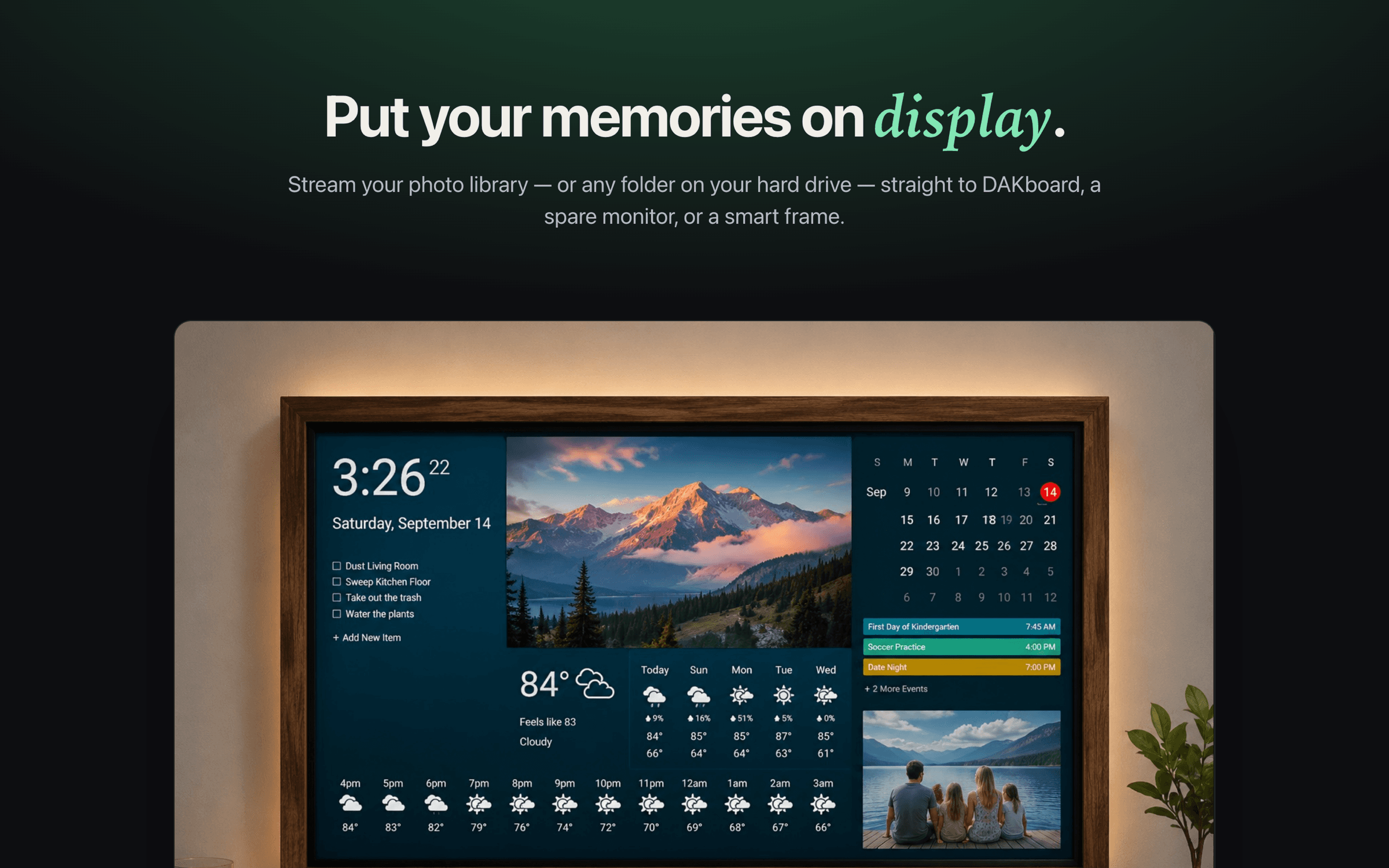
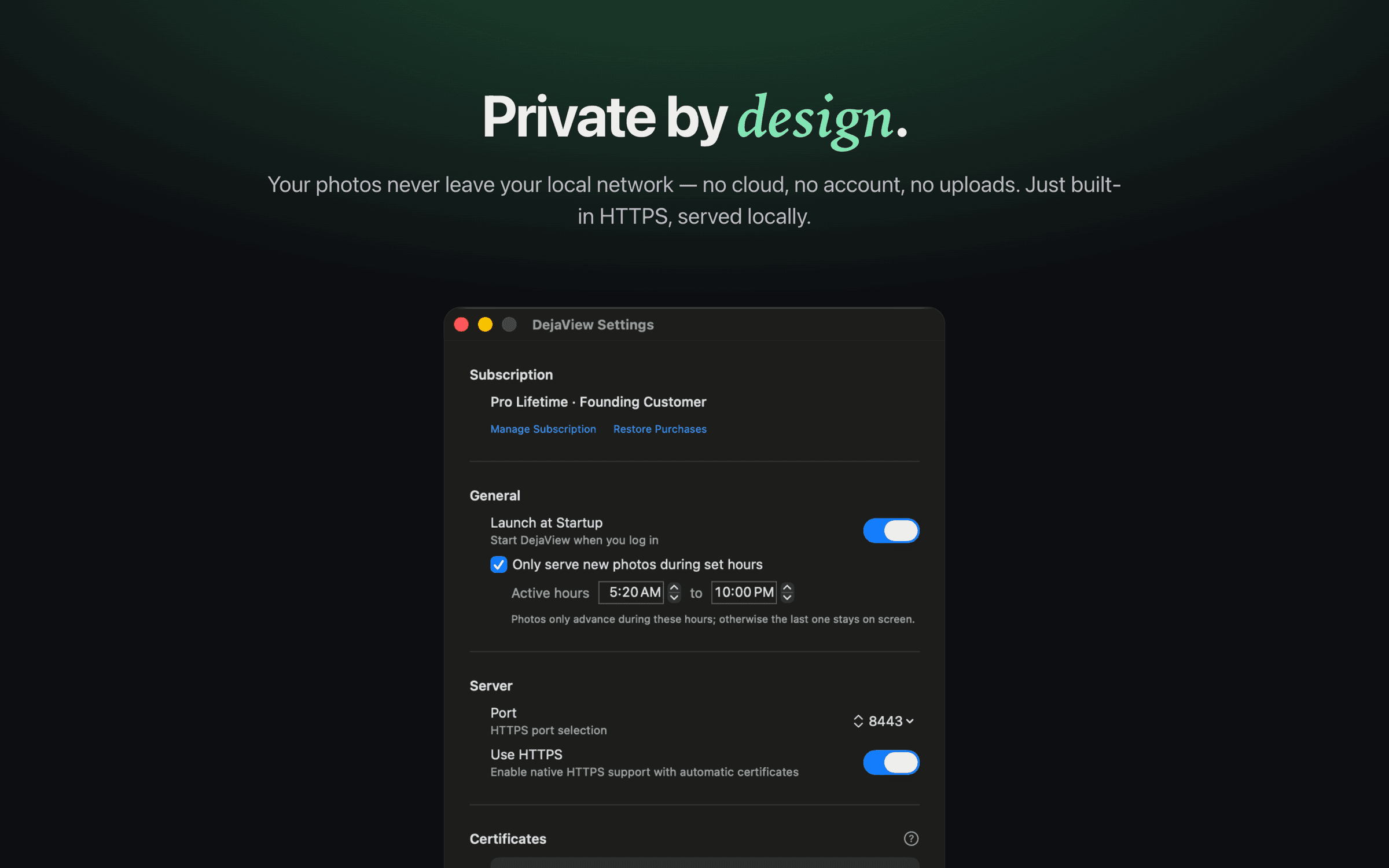
Aura makes a beautiful, plug-and-play frame — but it means buying proprietary hardware and uploading your photos to its cloud. DejaView takes a different path: it streams your Apple Photos albums from your Mac to a screen you already own, over your local network, with no uploads and no account.
First, the fair part
Aura is genuinely good at what it does. DejaView is for a different kind of person.
If you want a polished frame to wrap as a gift, set up in a minute, and never think about again, Aura is hard to beat. It is a refined piece of hardware with unlimited cloud storage included and no subscription — a turnkey experience for people who do not want to manage anything.
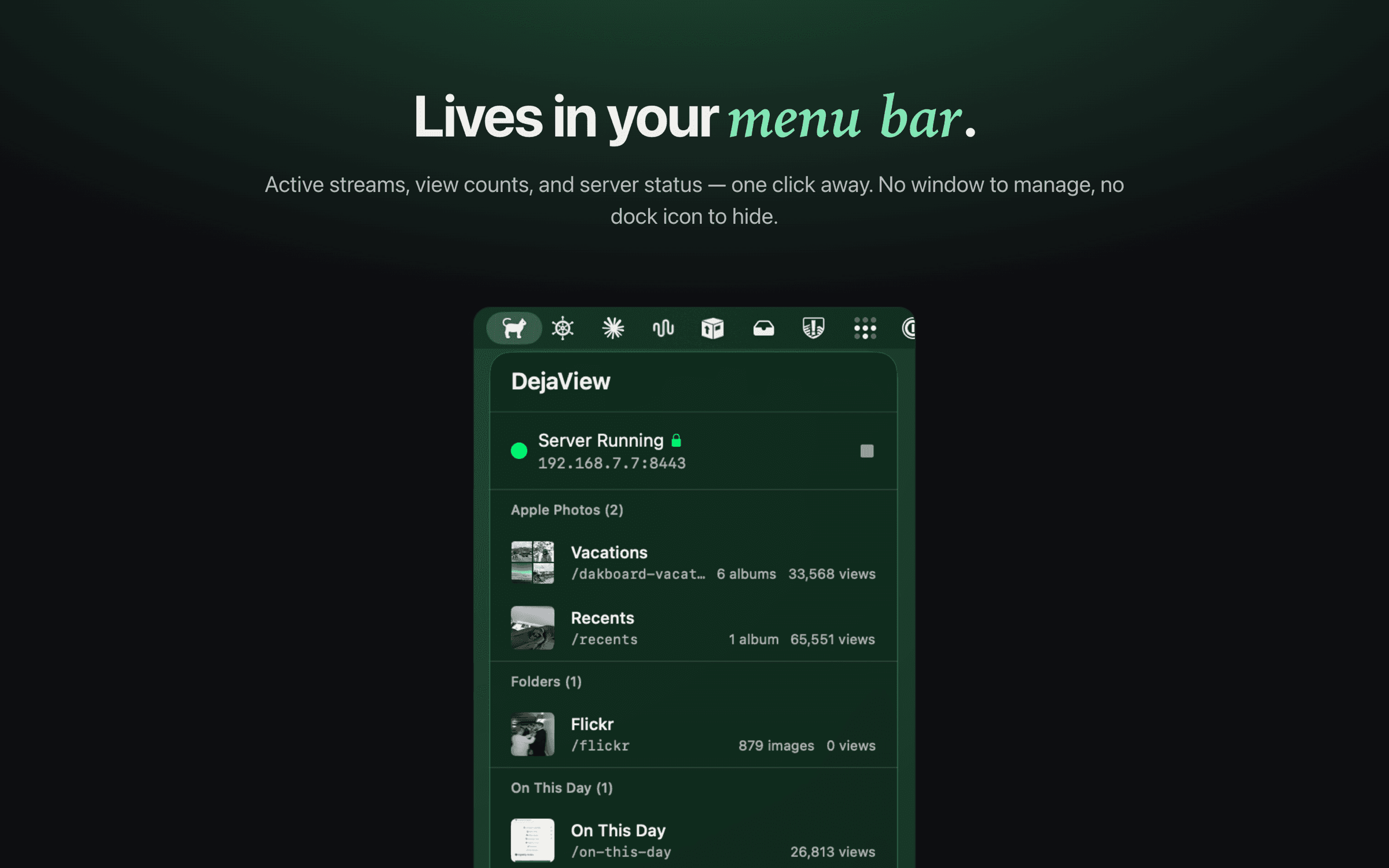
DejaView is for the other crowd: people who would rather not buy proprietary hardware or copy their family photos into a vendor's cloud. It runs quietly in your Mac's menu bar and serves your chosen albums to a screen you already own — over your local network, read-only, with no uploads and no account. Different tools for different people; this page just helps you tell which one is you.
Side by side
Aura vs DejaView, honestly.
Aura details verified from auraframes.com; pricing varies by model and may change. DejaView is independent and not affiliated with Aura.
Pick the right tool
There is no wrong answer.
When Aura is the better choice
Buy an Aura if you want a finished object — a frame to gift to a parent, or to set on a counter and forget. It is plug-and-play, needs no Mac, includes unlimited cloud storage with no subscription, and anyone can text photos to it from anywhere.
For a non-technical recipient who just wants photos to appear without thinking about networks, folders, or keeping a computer awake, Aura is the kinder gift.
When DejaView is the better choice
Choose DejaView if you care about privacy and control. Your photos never leave your Mac — no cloud upload, no account, no proprietary frame to buy. You reuse a screen you already own, including a dakboard wall display, a spare monitor, or a TV browser.
It is also the better fit if you already live in Apple Photos and want live albums — regular, smart, or shared — served locally and updating on their own, without re-uploading or re-binding to a single phone.
FAQ
DejaView vs Aura, answered.
Is DejaView a replacement for an Aura frame?
Not exactly — it solves the same goal a different way. An Aura frame is a polished piece of hardware you buy and place on a shelf. DejaView is a free macOS app that turns a screen you already own — a spare monitor, a TV, a dakboard wall display — into a private photo display, with your photos served straight from your Mac instead of uploaded to a cloud.
Does DejaView upload my photos to the cloud like Aura does?
No. Aura streams photos from its own cloud servers (hosted on AWS) down to the frame, which is why the frame needs a constant internet connection. DejaView never uploads anything — it reads your chosen Apple Photos albums or Mac folders read-only and serves them over your local network. Your photos stay on your Mac.
Do I need to buy any hardware to use DejaView?
No. That is the core difference. Aura requires buying a proprietary frame. DejaView uses screens you already own — anything that can load a URL, including a monitor, a smart TV's browser, or a dakboard display.
Does Aura support Apple Photos and shared albums?
Yes — through the Aura app you can pull from Apple Photos and iCloud Shared Albums, and its Auto-Add feature can keep a frame topped up from an album. The trade-off is that those photos are copied into Aura's cloud, and Auto-Add is bound to the device that set it up, so it has to be reconfigured if you change phones or reinstall the app. DejaView keeps the sync on your Mac, locally.
Does DejaView require an account or subscription?
No account is required, and the app is free to download. There is an optional Pro upgrade for power features, but the core local-streaming experience needs no sign-in. Aura has no subscription either — its cost is bundled into the price of the frame hardware.
Is DejaView affiliated with Aura?
No. DejaView is an independent macOS app and is not affiliated with, endorsed by, or sponsored by Aura. Aura is a trademark of Pushd, Inc. Apple and Apple Photos are trademarks of Apple Inc. This page is a factual comparison to help you pick the right tool.
Your photos, your screen, your network.
Download DejaView free from the Mac App Store and put your Apple Photos on a display you already own — no cloud, no account, no frame to buy.