DejaView vs the Skylight Frame
A private Skylight Frame alternative for the screens you already own.
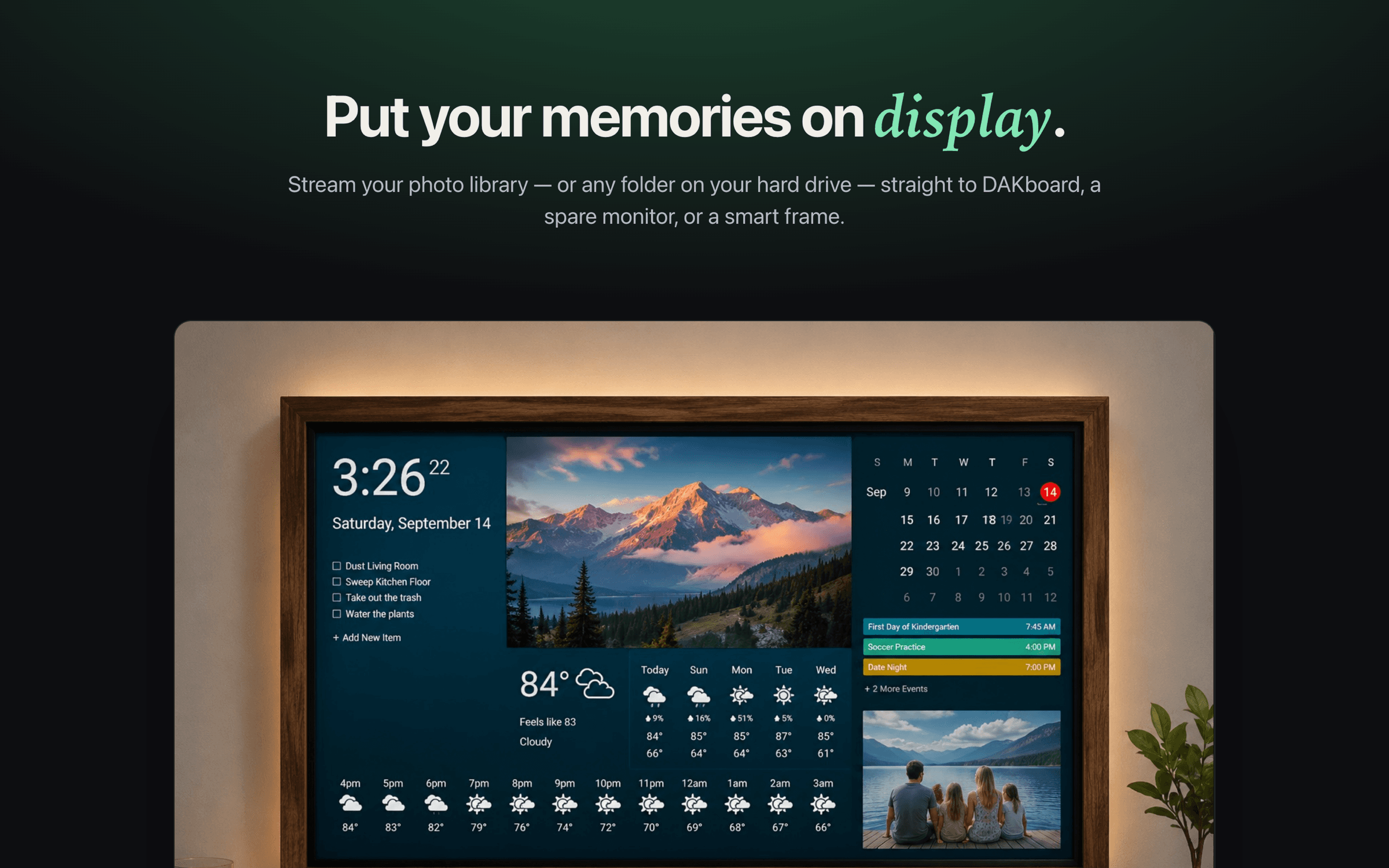
The Skylight Frame is a lovely touchscreen for sending photos to family — but it's a device you buy, and your pictures travel through its cloud. DejaView takes a different path: it streams your Apple Photos from your Mac to any display you already have, over your local network, with no account and no subscription.
Two different ideas
They're solving different problems — and that's the point.
The Skylight Frame is a friendly, self-contained touchscreen built around one goal: let anyone email or app-upload photos so they appear on a frame at Grandma's house. It's a great fit for that — no computer to keep running, and the cloud is what lets photos arrive from anywhere.
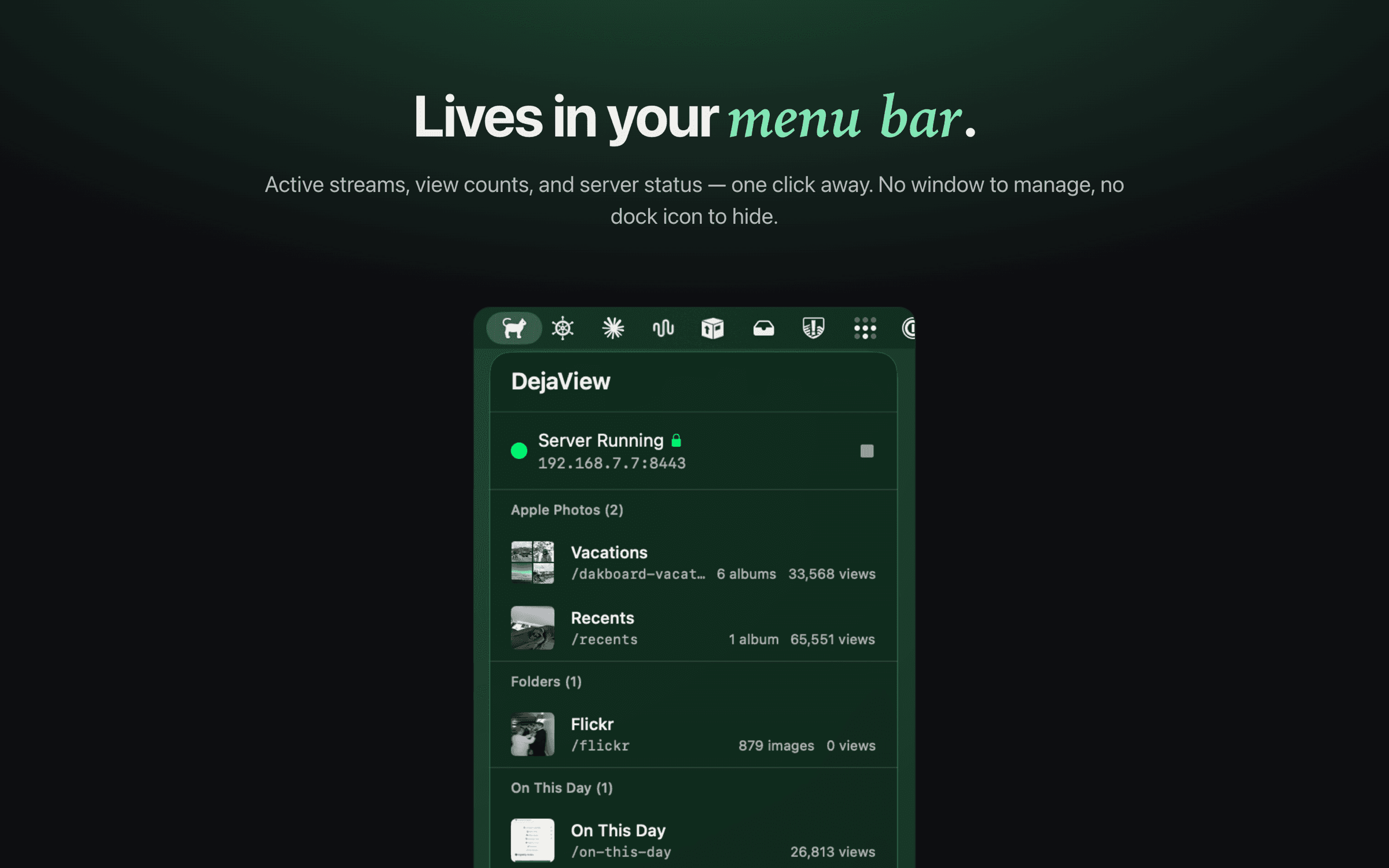
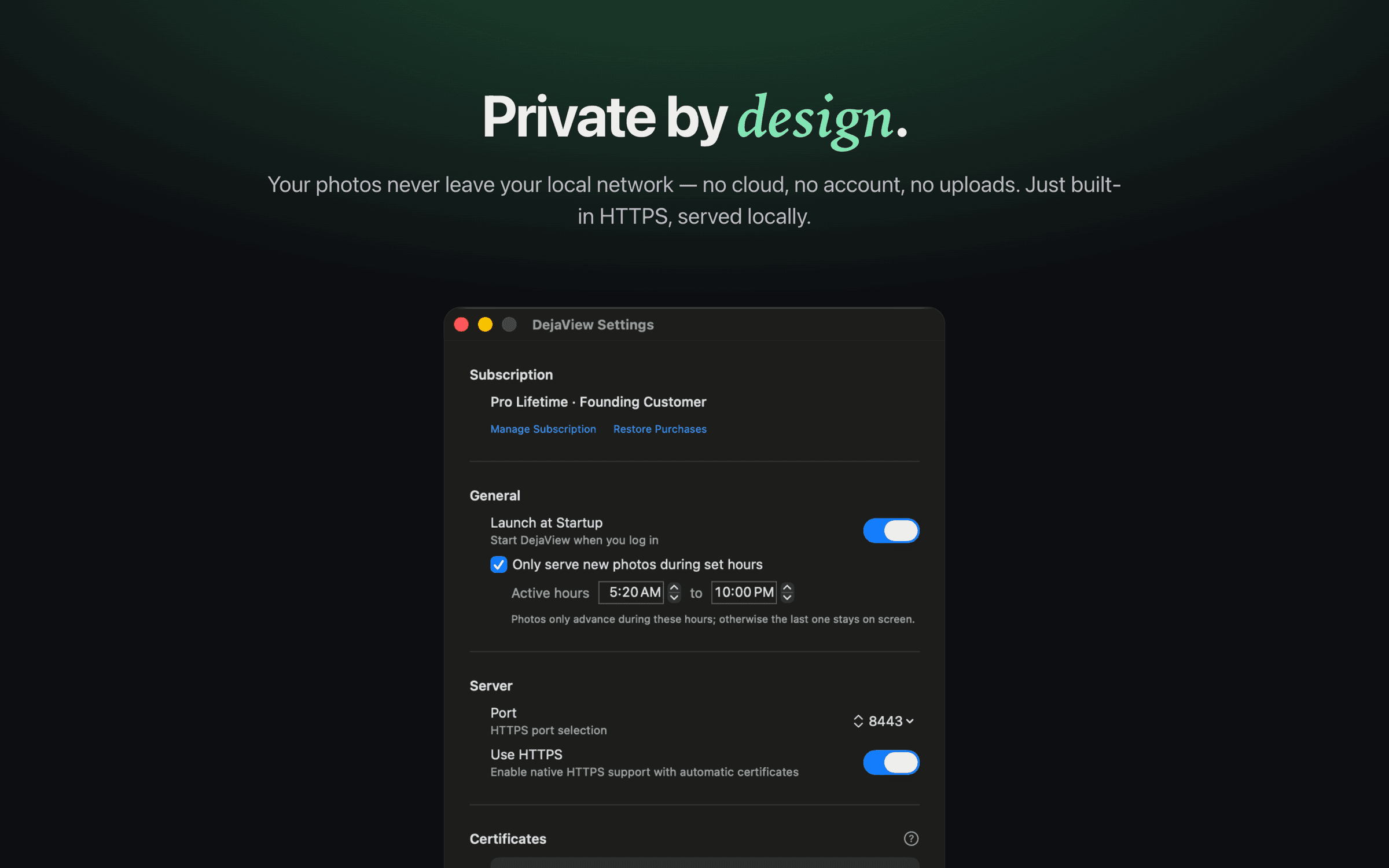
DejaView is for people who'd rather not buy another device or route their family photos through a company's servers. It runs in your Mac's menu bar and serves your chosen albums or folders directly to a display you already own — read-only, over your local network, with no cloud uploads, no account, and no public share links.
Side by side
DejaView vs the Skylight Frame.
Skylight pricing and feature details reflect publicly available information at the time of writing — check skylightframe.com for current specifics.
When the Skylight Frame is the better choice
If you want to gift a relative a finished, plug-it-in display — someone who isn't going to fiddle with a Mac or a network — the Skylight Frame is hard to beat. Anyone can email photos to it from anywhere, it needs no computer running nearby, and the touchscreen is ready out of the box. For sending memories to Grandma's kitchen counter, that all-in-one simplicity is exactly the right tool.
When DejaView is the better choice
If you'd rather not buy another device, or you're not comfortable routing your family photos through a company's cloud, DejaView fits better. It reuses a screen you already own, keeps everything on your local network, reads your Apple Photos albums live so new pictures appear on their own, and works with displays like DAKboard — and the core local streaming is free, with an optional Pro upgrade.
FAQ
DejaView vs Skylight, answered.
Is DejaView a Skylight Frame alternative?
It can be, depending on what you want. The Skylight Frame is a dedicated touchscreen you buy and feed photos to through Skylight's cloud. DejaView is a free macOS app that turns screens you already own — a spare monitor, a tablet, a DAKboard display — into a photo display, streaming your Apple Photos straight from your Mac over your local network. If your goal is privacy and reusing existing hardware rather than buying a frame, DejaView is the alternative.
Do my photos go through the cloud with DejaView?
No. DejaView serves your photos directly from your Mac over your local network. They are never uploaded to DejaView or any cloud service, and there is no account to create. With the Skylight Frame, by contrast, photos are emailed or app-uploaded and pass through Skylight's cloud so they can reach the frame from anywhere.
Do I need to buy hardware to use DejaView?
No. DejaView is software that runs on your Mac and streams to any display that can load a URL — a monitor, a tablet in a browser, a DAKboard screen, or a smart display. There's no frame to purchase. The Skylight model is the opposite: you buy the frame, and the photos live on it.
Is there a subscription?
DejaView is free to download, and its core local photo streaming works without paying anything; there's an optional Pro upgrade for power features. Crucially, nothing about DejaView requires routing your photos through a cloud. Skylight's frame works for emailing photos without a subscription, but features like video, uploading from the mobile app, and cloud backup require its Skylight Plus subscription (around $39/year at the time of writing — check Skylight for current pricing).
When is the Skylight Frame the better choice?
If you want to send photos to a relative who isn't comfortable with technology — a grandparent who just wants pictures to appear on a frame on the counter — the Skylight Frame is purpose-built for that. It's a self-contained device, anyone can email photos to it, and it needs no Mac running nearby. That convenience is its strength.
Is DejaView affiliated with Skylight?
No. DejaView is an independent macOS app and is not affiliated with, endorsed by, or sponsored by Skylight. Skylight is a trademark of its owner. Apple and Apple Photos are trademarks of Apple Inc. This comparison reflects publicly available information at the time of writing.
Skip the frame. Use the screens you already own.
Download DejaView free from the Mac App Store and stream your Apple Photos privately over your local network — no cloud, no account, no subscription.